It’s impossible to become an improvised printer in a large store on a whim. At Auchan, it all depends on the store, the area, and sometimes even the goodwill of the department manager. Here, there are no universal rules or national policies: each point of sale manages its printing or photocopying stations in its own way, from choosing the hours to configuring the machines.
The question of price quickly turns into a treasure hunt: from one Auchan to another, the rates change, just like the accepted formats or payment methods. Sometimes, color or photo printing comes with specific restrictions. At the slightest doubt, you can’t avoid direct contact with the relevant service to get a tailored response.
Printing, photocopying, photos: what Auchan really offers for your documents
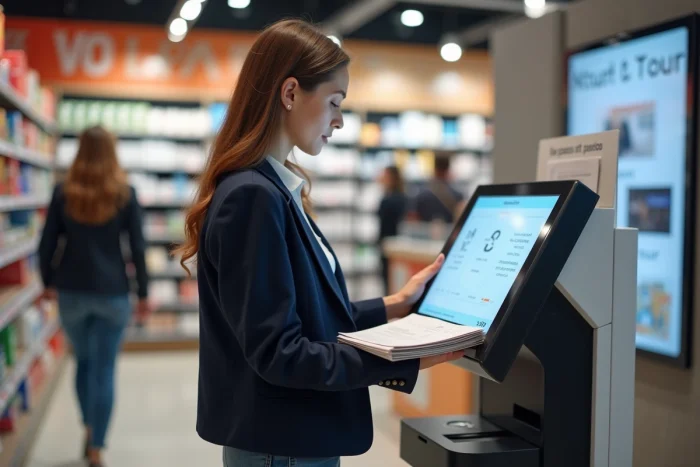
In most Auchan stores, the area dedicated to printing and photocopying quietly integrates near the bookstore or reception, within reach but rarely highlighted. The self-service kiosks are mainly used for quickly printing a file, an administrative form, or any everyday document. The idea is simple: you come with a USB key or, sometimes, an SD card or your smartphone, and then you choose on the screen what you want to print or copy.
Auchan stores generally offer A4 format, sometimes A3, or even lab-quality photo prints depending on the setup. Color photocopying remains available in many stores, quite handy for a receipt or a polished presentation. For more specific needs, the Auchan Photo service allows you to obtain prints, enlargements, or postcards, and even official ID photos for passports or national ID cards.
Once in front of the kiosk, you decide on the number of copies, whether to print double-sided or not, the paper weight, and choose between color or black and white. PDF and JPG files are accepted everywhere, and some machines also accept Word or Excel. You will find more details on printing and photocopying documents at Auchan on specialized sites. These resources explain the differences from one store to another, tips for saving time, and the limitations of the service. For most needs, whether school or professional, Auchan kiosks get the job done simply and quickly.
How much does it cost, how does it work? Prices, formats, and tips for stress-free printing
The prices and formats offered vary depending on the Auchan stores, but the logic remains clear: the cost is calculated per page, based on the type of paper and the color or black and white option. For standard black and white printing on A4, expect to pay between €0.10 and €0.15 per page. Color printing can sometimes exceed €0.40 for vibrant prints or photo quality.
For photocopying, the pricing structure follows the same trend. Standard paper dominates, but some points of sale also offer premium or photo paper, matte or glossy, for more demanding prints or photos to give as gifts. A4 format is common in most cases, but you may occasionally find A3 or postcard formats, depending on needs or available equipment.
Here are some practical tips to optimize your visit to the kiosk:
- Prepare your files in PDF or JPG format, on a USB key or SD card, to avoid compatibility issues.
- Pay attention to the layout in advance: margins, orientation, resolution, to avoid unpleasant surprises once the document is printed.
Need ID photos? The service is done directly at the kiosk. The interface guides you to crop the face, adjust the size, choose a neutral background, and obtain images that meet official requirements. For more specific products, like photo gifts or large format prints, you need to place an order online and choose home delivery. This option does not apply to regular prints made in-store.
Need a hand or specific info? All the ways to contact Auchan’s printing service
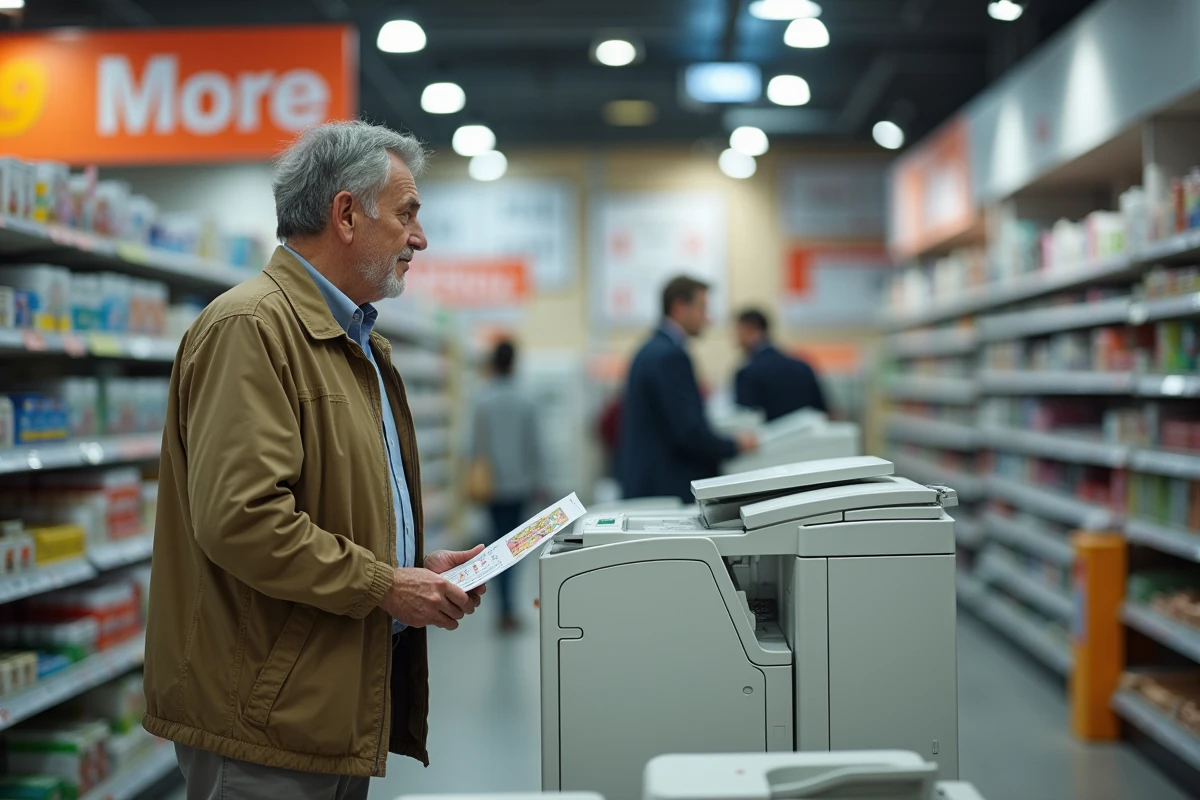
At Auchan, customer service prioritizes responsiveness. For any technical questions, quote requests, or issues encountered at the kiosk, several channels are available to you. The most direct way is to ask a team member on-site, whether at the reception or the dedicated counter. The support is often personalized: an advisor explains the choice of format, helps with using the USB key, or prepares a photo print.
You can also go through the Auchan website, which has a contact section. Fill out the form detailing your request: deadline, type of paper, hours, or compatibility of media. A response usually arrives within two days. Some stores also display a direct phone number, useful for checking the availability of a service before you go.
Here are the main ways to reach Auchan’s printing service:
- In-store: direct and immediate exchange with an advisor.
- Online: dedicated contact form for document printing.
- By phone: practical information on hours and service accessibility.
For requests that fall outside the standard framework, special formats, layout questions, or official ID photos, nothing replaces a face-to-face conversation with an advisor on-site. The support extends to handing over the printed documents, ensuring a smooth experience from file submission to paper output.
The next time you walk through the doors of an Auchan, keep an eye out for these discreet kiosks. They turn the printing chore into an express formality; sometimes, a quick stop is all it takes to leave with a ready-to-use file or a validated ID photo. Daily life doesn’t wait, and at Auchan, the solution is often just within reach.